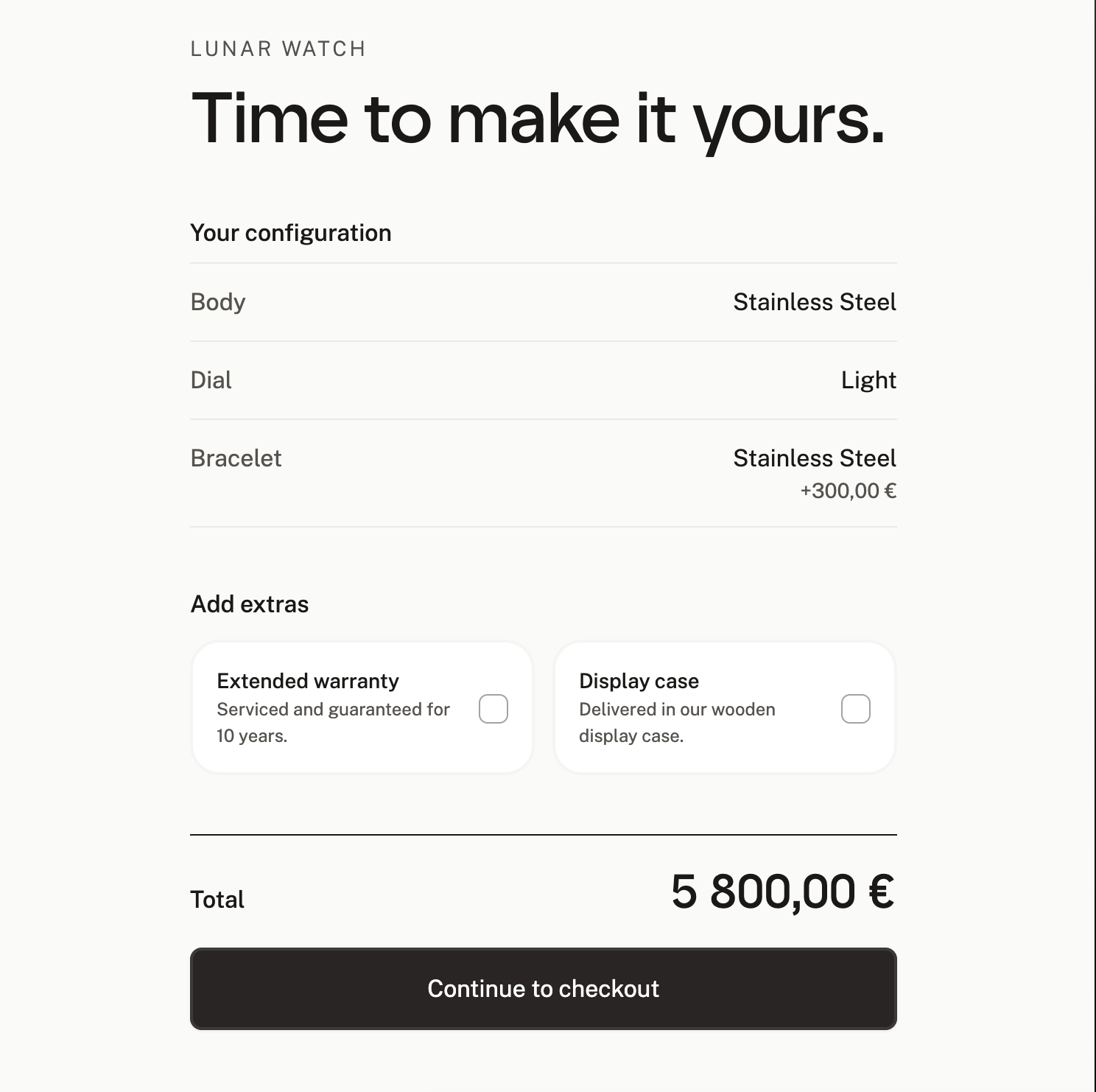
A finished experience.
You don’t feel like you’re just here to buy something. You feel like you’re here to experience the intricacies of a expensive, bespoke product.
A full immersive experience with minimal UI lets the visuals do the talking.
Apple minimal inspiration
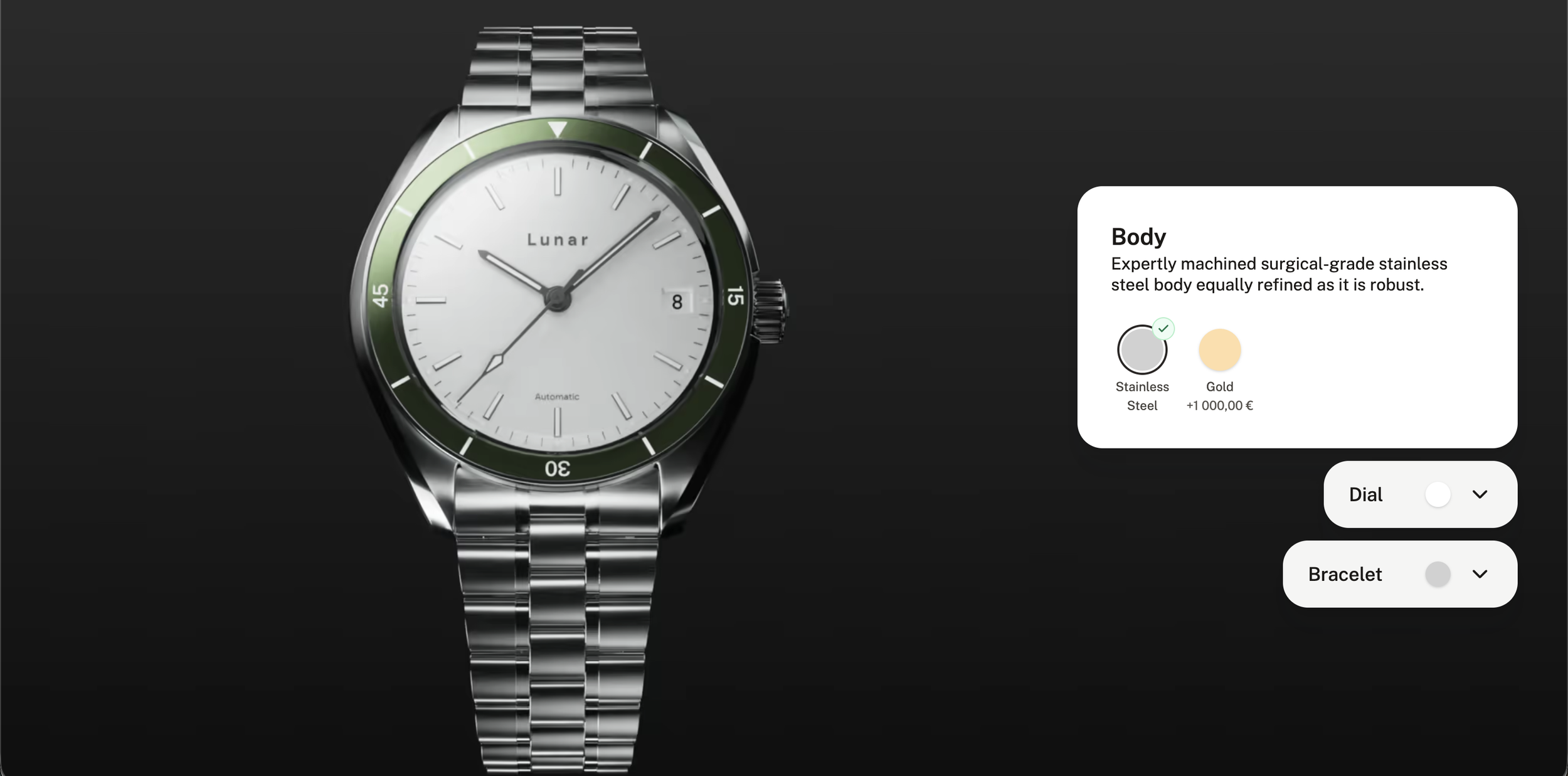
Most web configurators feel clunky and generic, like they’re only forms with pictures attached. For the Younite Virtual Showroom, we wanted the visuals to do the talking, so we built the Lunar Watch demo around them.
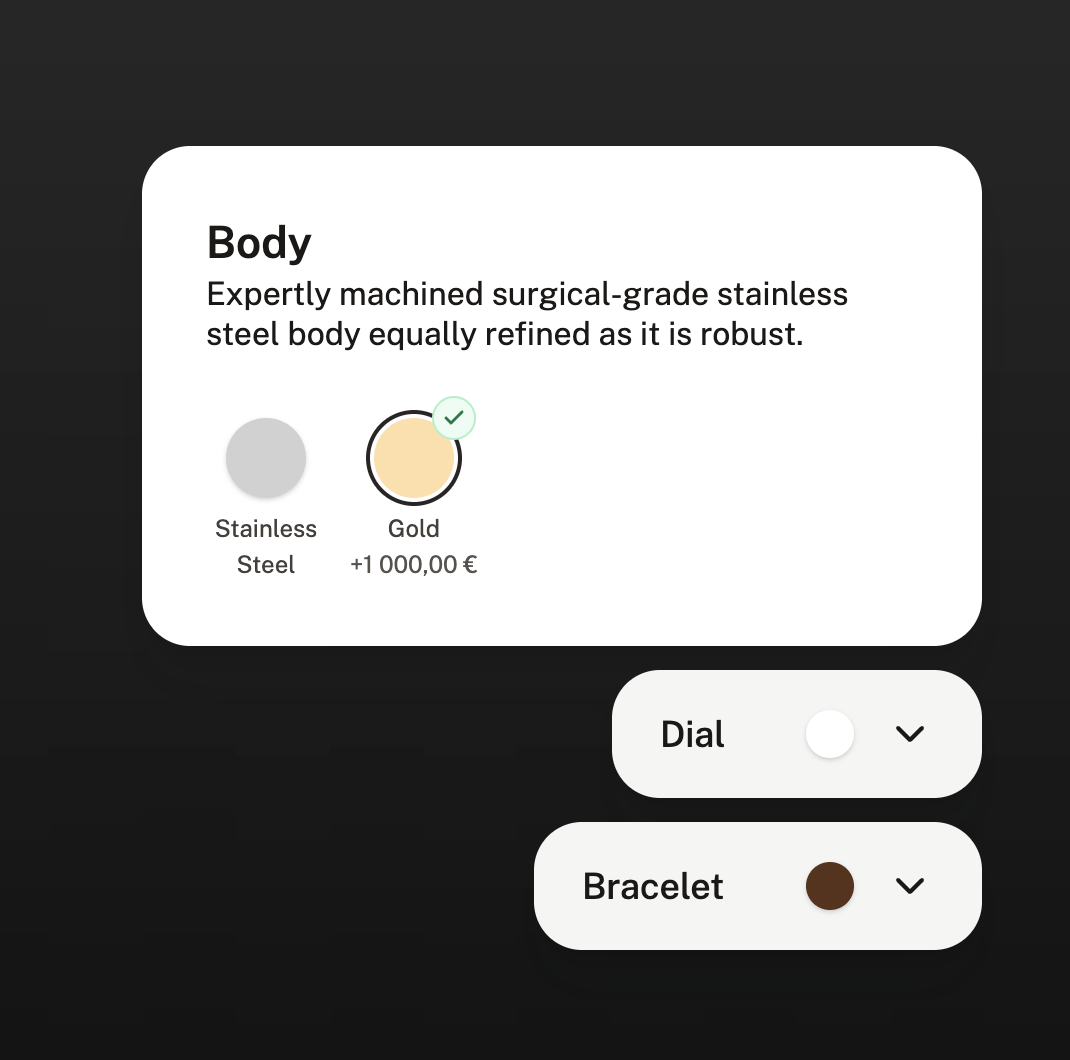
Working alongside 3D artists and the creative director, we chose scroll-driven image sequencing and paired it with a SKU-based asset naming system. As the user selects the body, dial, and bracelet, the experience shifts from choosing options in a form to handling a real product. It’s less a configurator and more a watch you can explore.
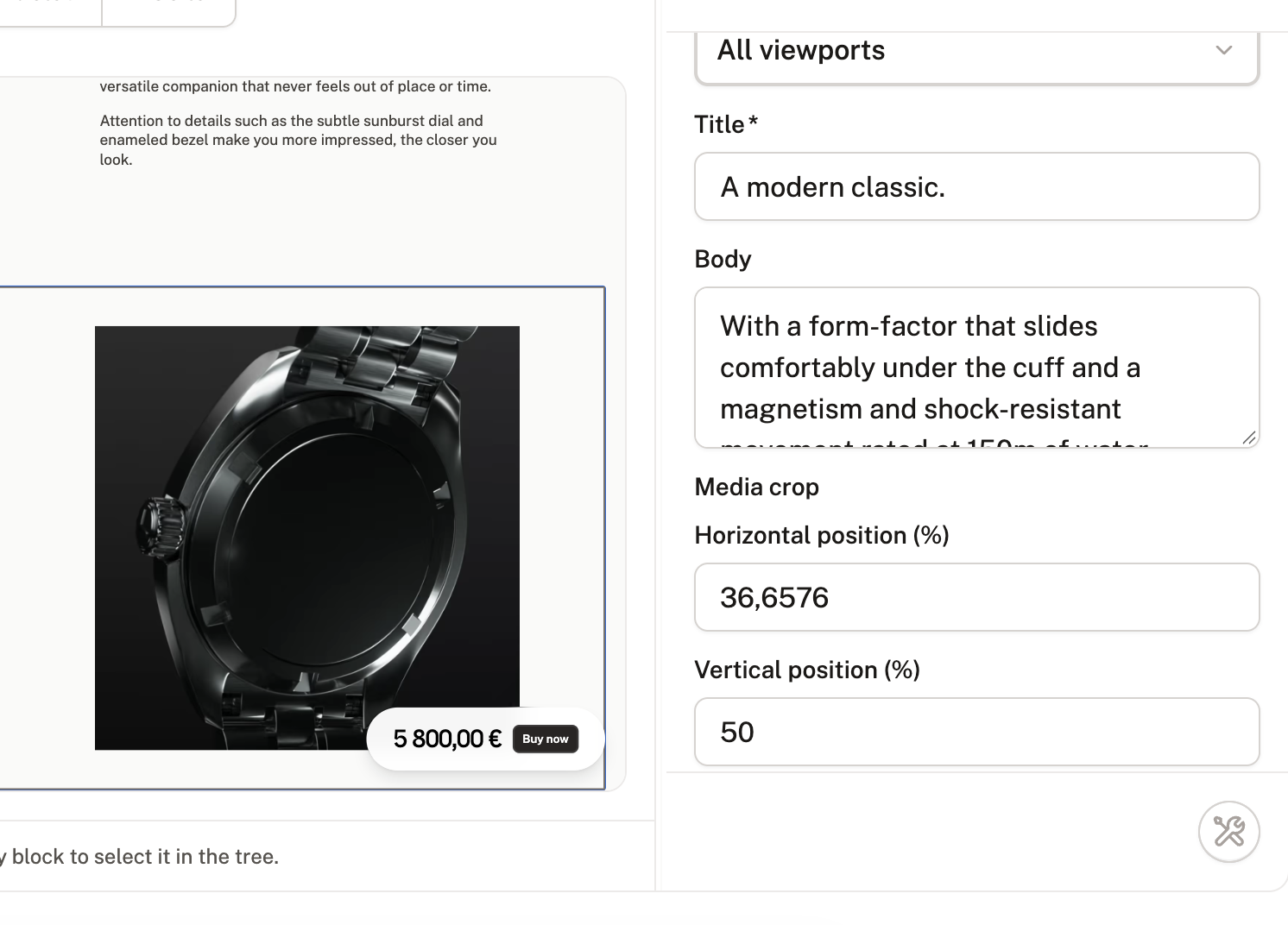
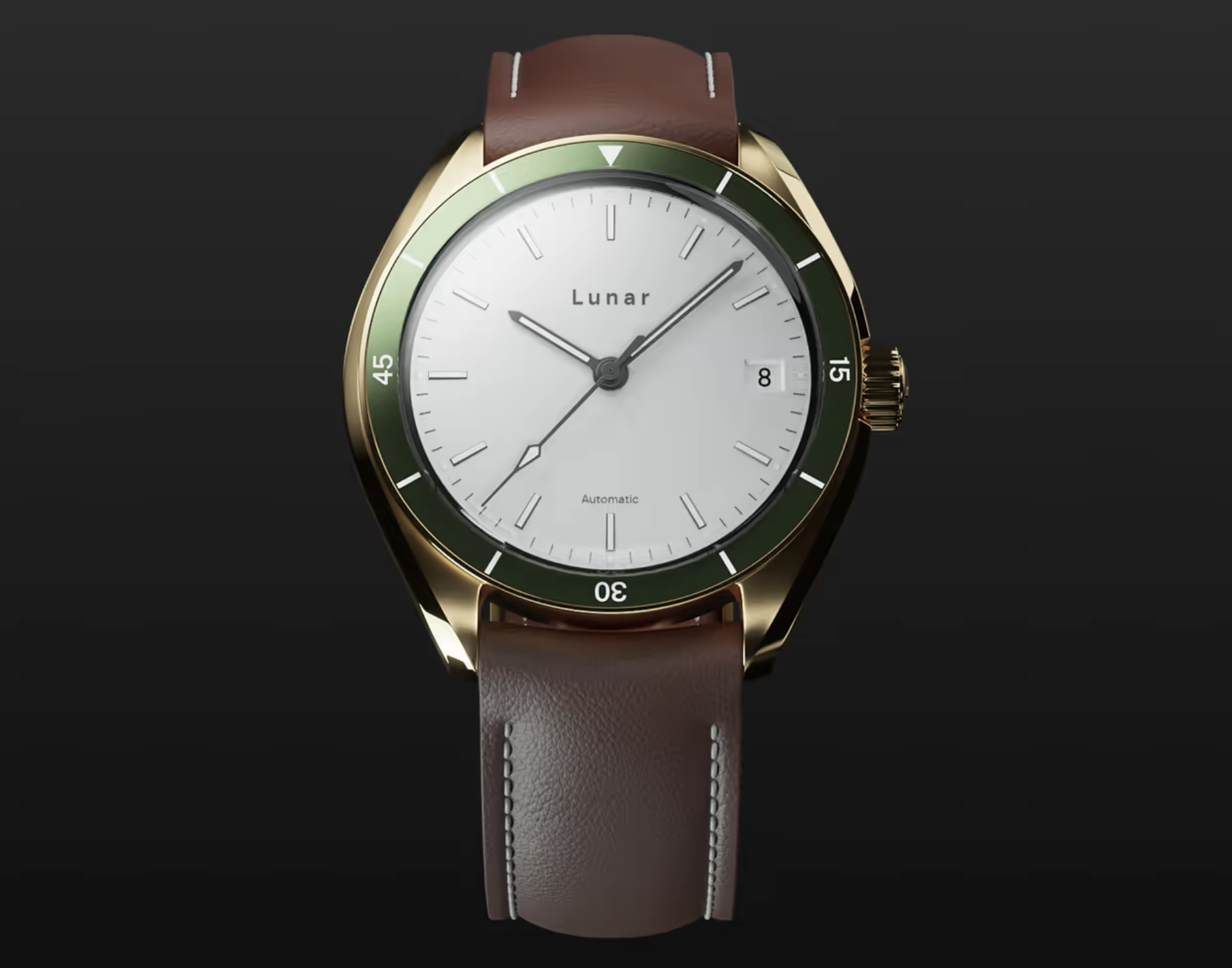
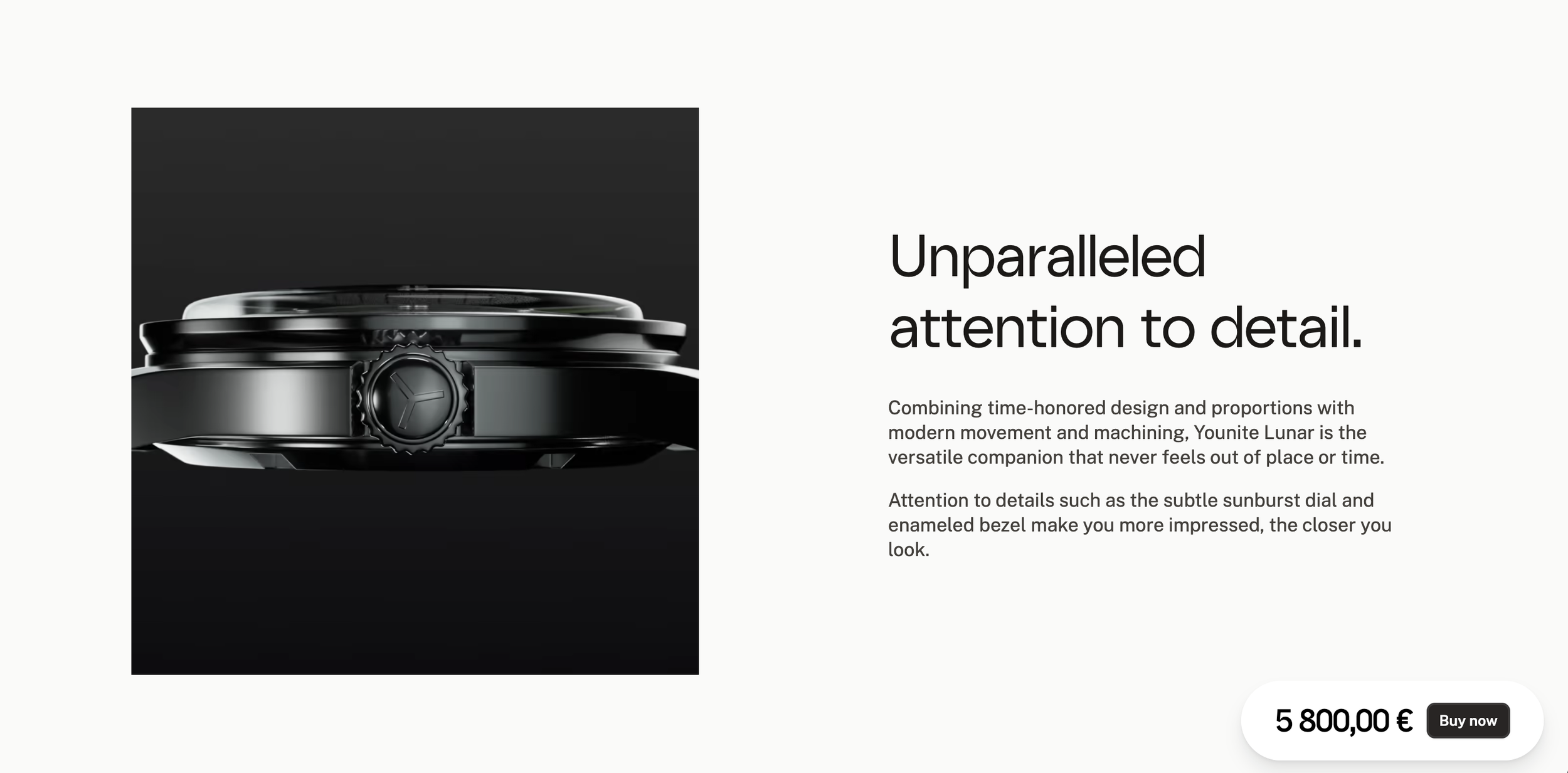
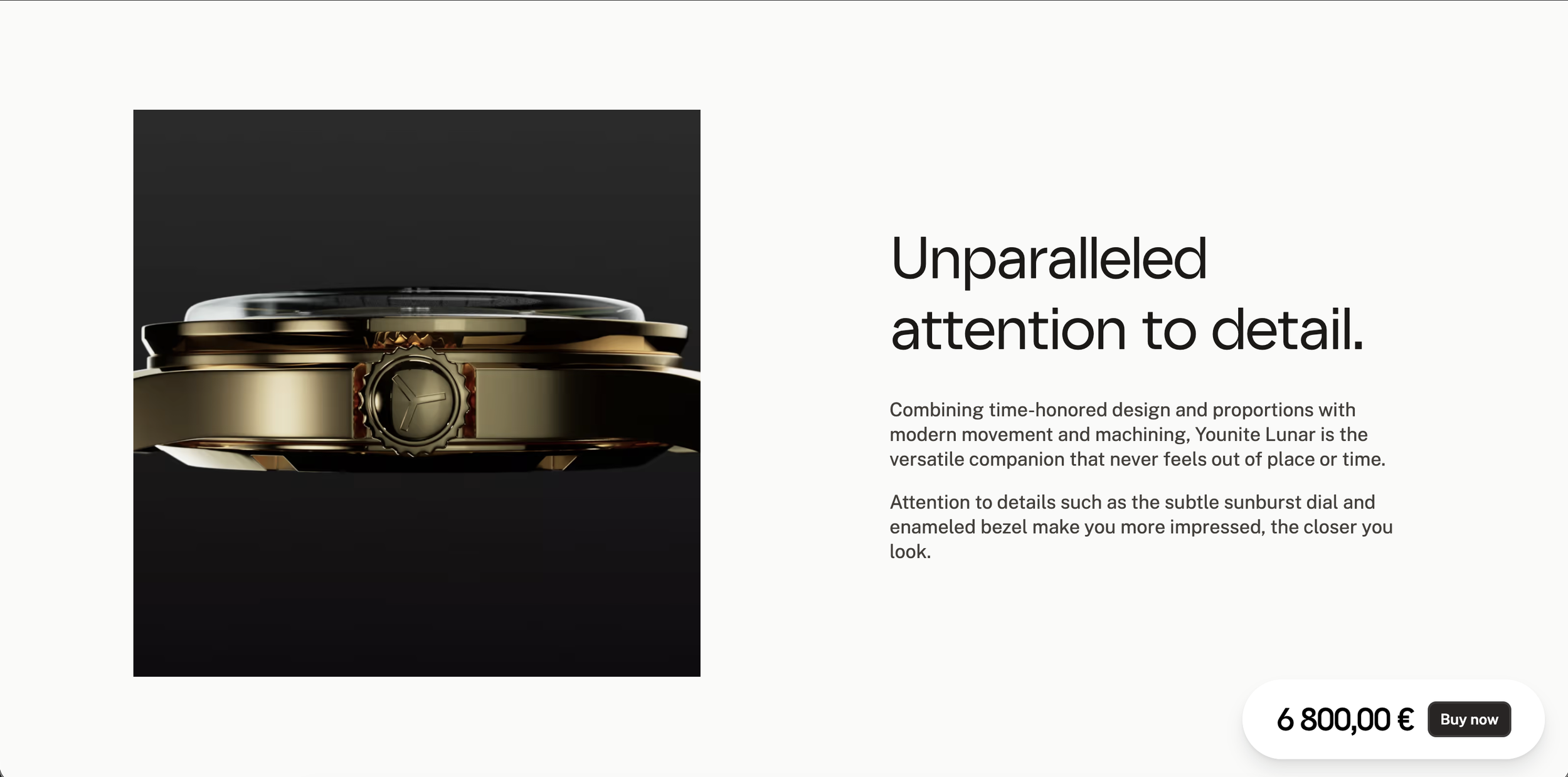
In the screenshot to the right, you can see that if the user chooses a different material during configuration, when they get to the marketing portion of the site, the image has swapped to the materials they have chosen, in this case, they choses the gold metal and white face.
This makes the site feel alive and like it’s listening to your choices.
Internal authoring tool
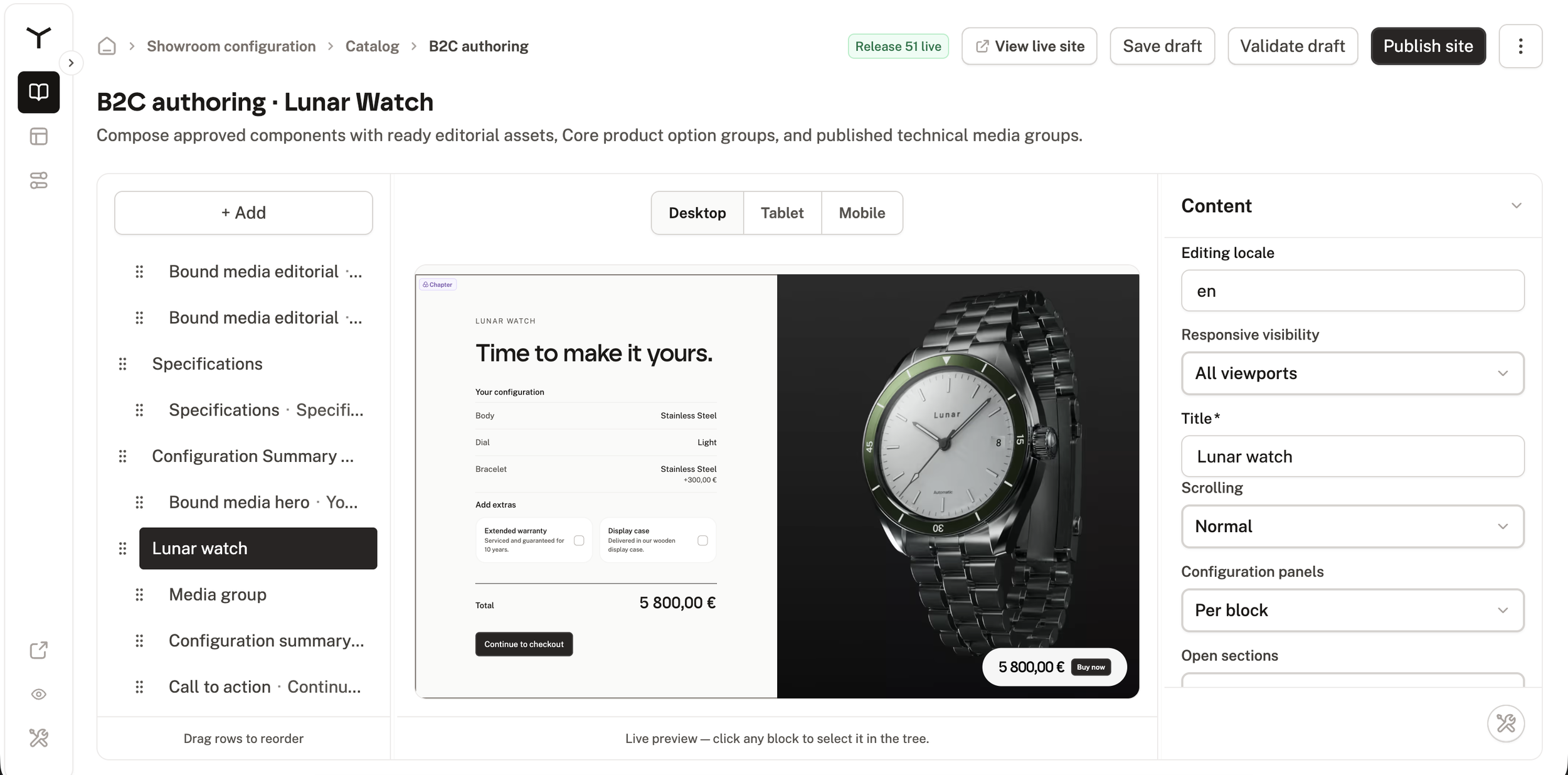
I designed and built an internal authoring tool that organizes each showroom into chapters and blocks.
Teammates can assemble a new showroom visually, arranging reusable parts instead of building each one from scratch.